
Better ROAS from every Click-to-DM Ad
Ad clicks land in your DMs, where we answer and close the sale. Same spend, up to 3× the ROAS of traditional ads.


Send message
Send message
Message jennifer__
Typically replies within minutes“Can I make a purchase”
Send“How much does this cost?”
Send“Can I talk to an expert designer”
SendYour ad spend, finally working inside the DM
We connect straight to Meta's click-to-message ads, so every tap on Send Message lands in a conversation built to sell
Pages can't talk. DMs can.
Traditional ads send buyers to a page, they can't talk to. CTDM opens a chat & answers in seconds, while they're still ready to buy. Discover AI FAQ

Build any flow your funnel needs
Triggers, qualifying questions, branches and checkout, arranged exactly the way your buyers shop. Discover Automations
Teach Meta who actually buys
We show Meta your best leads, so your ads find more like them for less. Otherwise Meta counts every tap as a win, and your costs go up.

Capture email & phone in the DM
Ask for contact details before the discount code lands, so every ad click grows a list you own, not just a thread.

Follow up, hand off, retarget
An ad click is just the start. Reminders and retargeting turn it into revenue.
Retarget who messaged
People who messaged but didn’t buy become your next ad audience
Discover Audiences


Checkout inside the chat
Send a one-tap checkout link in the DM and skip the cart page
Discover AI Conversations

Hand off to a human
Tricky questions go straight to your team, with the full chat attached
Loved by 60K+ creators & brands

@maria
128K followers
Zorcha saves me hours on designed my link in bio. I love the editor !

@john
1M followers
Simple interface & effortless. Link tracking & engagement metrics are super helpful.

@jessicakreates
94K followers
Zorcha completely transformed how I design my pages. It's so intuitive and fast!

@tylerbuilds
213K followers
I used to spend days on my portfolio site. With Zorcha, I had it live in under an hour.
@maria
128K followers
Zorcha saves me hours on designed my link in bio. I love the editor !
@john
1M followers
Simple interface & effortless. Link tracking & engagement metrics are super helpful.
@jessicakreates
94K followers
Zorcha completely transformed how I design my pages. It's so intuitive and fast!
@tylerbuilds
213K followers
I used to spend days on my portfolio site. With Zorcha, I had it live in under an hour.
See the latest from Zorcha
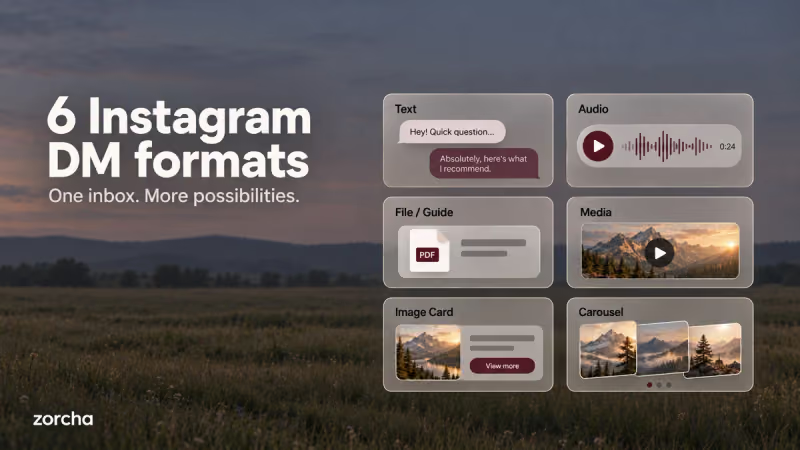
6 DM Formats in Zorcha’s Flow Builder ExplainedFrom plain text to card carousels, a complete breakdown of all 6 DM formats in Zorcha’s Send a DM step, what each one looks like, and when to use it.
Read more about 6 DM Formats in Zorcha’s Flow Builder Explained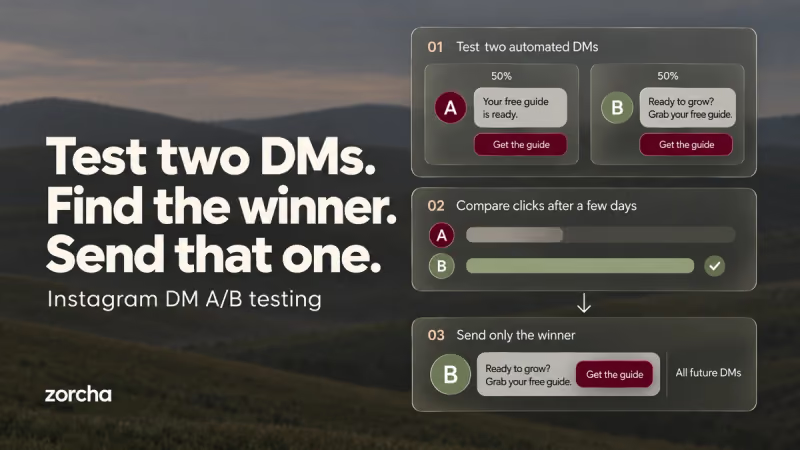
How to Build Timed and A/B Tested Instagram DM FlowsLearn how Smart Delay and Randomize in Zorcha optimize DM flows with timed follow-ups, A/B testing, and data-driven automation that boosts engagement.
Read more about How to Build Timed and A/B Tested Instagram DM Flows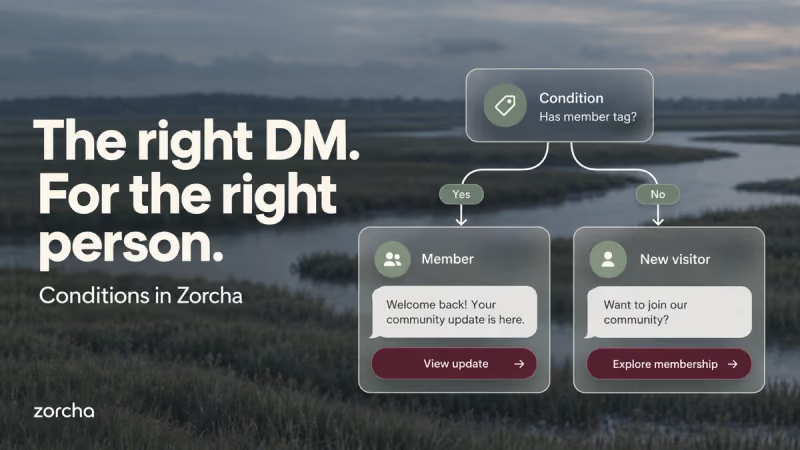
Zorcha Flow Builder: How to Use the Condition StepThe Condition step in Zorcha's Flow Builder splits your flow into Yes and No paths based on tags, followers, or engagement. Here's a complete guide to using it.
Read more about Zorcha Flow Builder: How to Use the Condition Step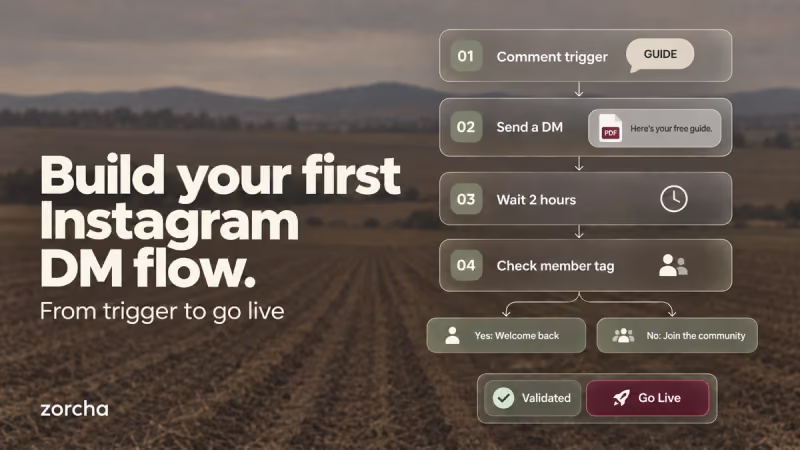
How to Build a Flow in Zorcha | Step-by-Step GuideA complete step-by-step walkthrough of building an Instagram DM automation flow in Zorcha, triggers, steps, logic nodes, and going live on the canvas.
Read more about How to Build a Flow in Zorcha | Step-by-Step Guide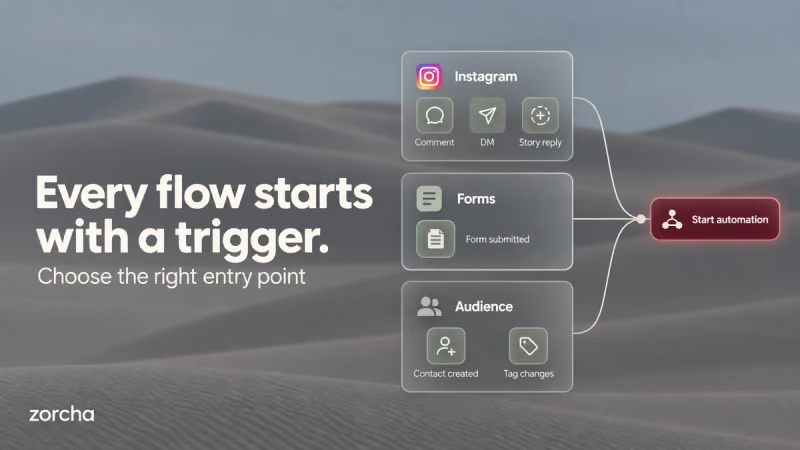
Zorcha Flow Builder Triggers: Complete GuideFrom comment triggers to audience tags, a complete guide to all trigger types in Zorcha's Custom Flow Builder, with setup steps and real use cases for each.
Read more about Zorcha Flow Builder Triggers: Complete Guide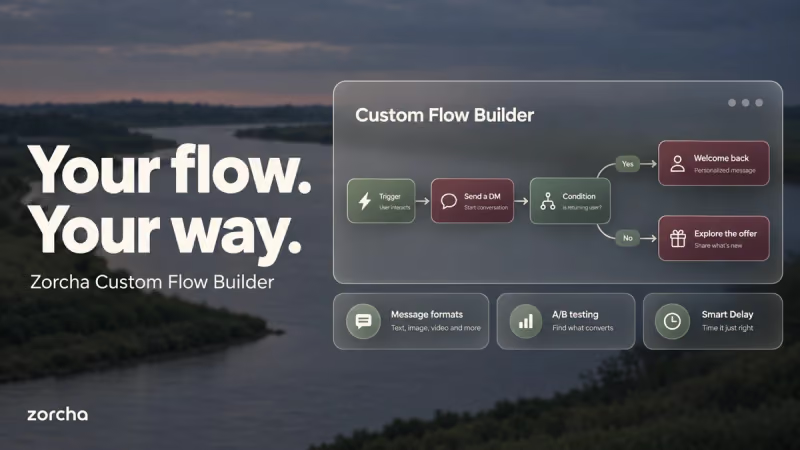
Zorcha Flow Builder Triggers: Complete GuideFrom comment triggers to audience tags, a complete guide to all 7 trigger types in Zorcha's Custom Flow Builder, how each one is set up, and when to use each.
Read more about Zorcha Flow Builder Triggers: Complete Guide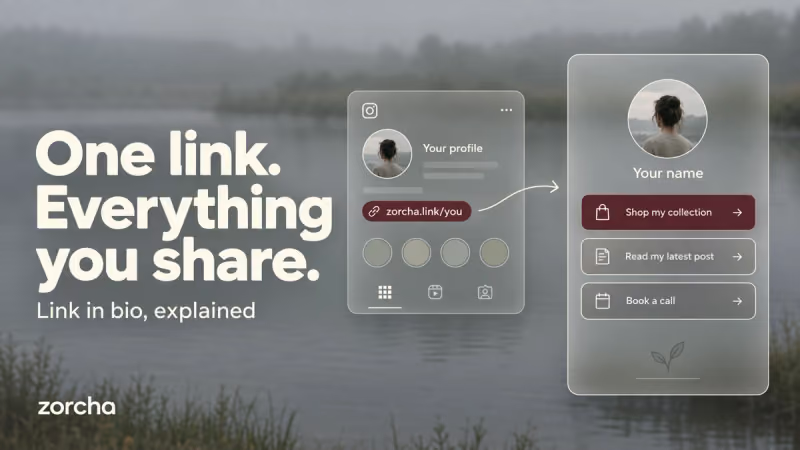
What Is a Link in Bio? How It Works and How to Set It UpA link in bio holds all your important links in one place. Here's what it is, how it works, and how to set yours up on Zorcha in minutes.
Read more about What Is a Link in Bio? How It Works and How to Set It UpZorcha Flow Builder Triggers: Complete GuideFrom comment triggers to audience tags, a complete guide to all 7 trigger types in Zorcha's Custom Flow Builder, how each one is set up, and when to use each.
Read more about Zorcha Flow Builder Triggers: Complete GuideFAQs
- The AI replies in the same language the user writes in. If your FAQs are in English but someone messages in Hindi or French, the reply goes out in Hindi or French.
- You can set a fallback message for queries that the AI can't match to an existing FAQ. The user still gets a reply while you handle the question manually.
- Yes. You can set your persona, choose a tone of voice, decide on response length, and turn emojis on or off.
- There's a built-in test section where you can simulate questions and see exactly how the AI responds before activating the automation.
- No. It works on intent, not exact keyword matching. It understands what the user is asking, even when it's phrased completely differently from your FAQ.
- Yes. The usage history section shows all past interactions so you can review responses and refine your FAQs if needed.
- Yes. Each response uses a certain number of credits based on message length and complexity. You can buy additional credits from the billing section without changing your plan.
- You can choose. There's an option to add an AI attribution note to messages so users know the reply is AI-generated. If you'd prefer not to include it, you can leave it off.