

Build Multi-Step DM flows for Instagram
Not everyone who comments needs the same reply. Build the exact flow for each person.
Start for free jennifer__
Comments

Link plzz
jennifer__👀 Caught your eye?
Want details on this dress — price, size chart, and styling tips?

Your entire flow, mapped out visually.
Everything you need to build a full multi-step DM conversation, from the first trigger to the last step.
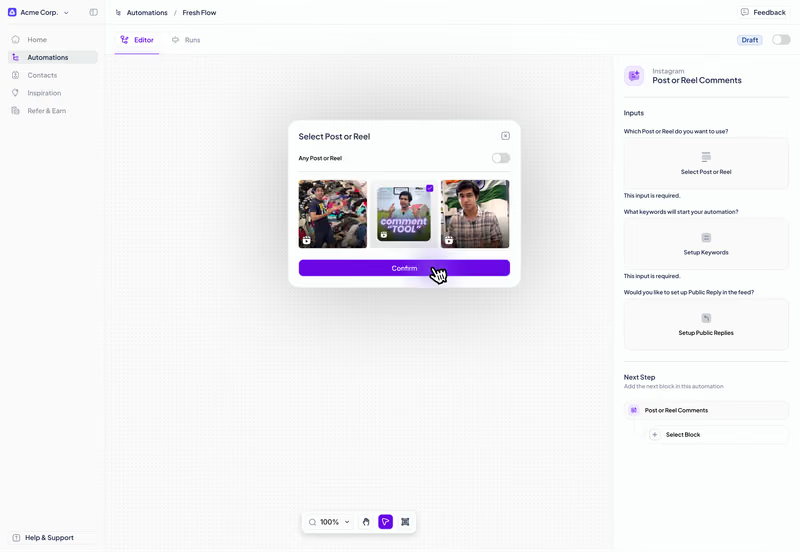
See your entire conversation in one view
All your steps, branches, and messages are laid out on a single canvas so you can see the entire flow at once.
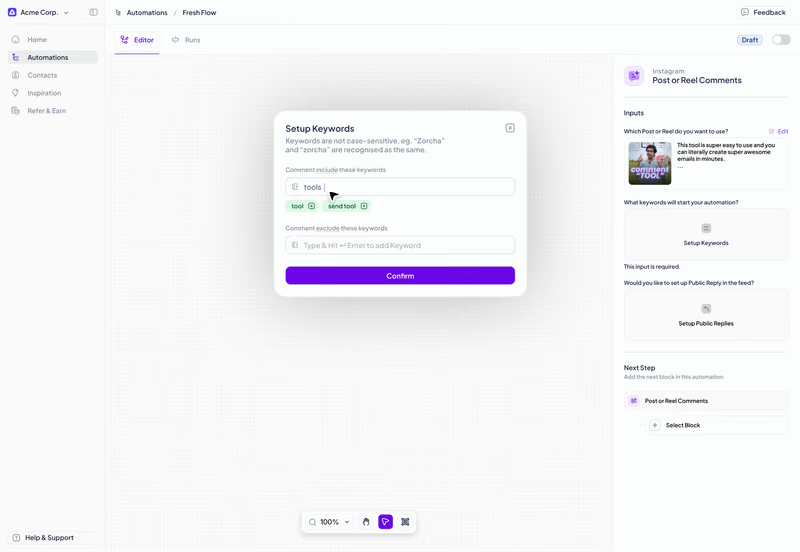
Build different paths for different users
Add conditions at any step to check what a user did and send them down a different path from there.
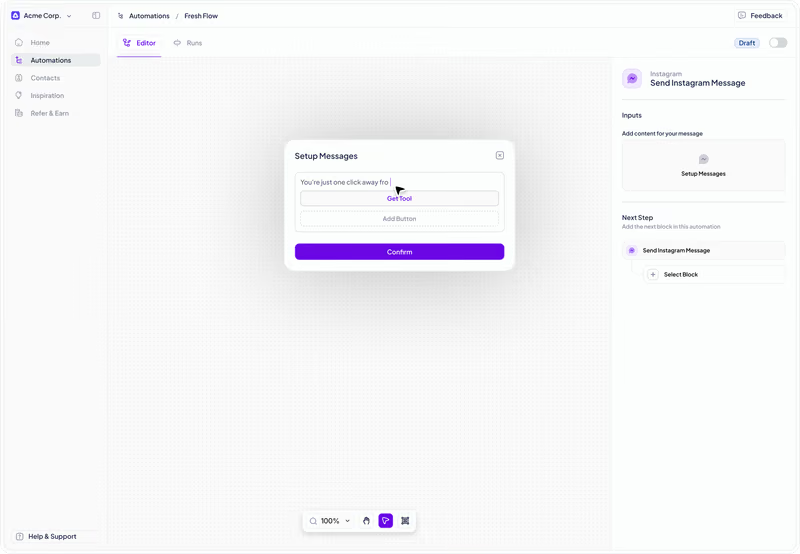
Customise what goes out at every step
At each step, write the DM that goes out and add quick reply buttons for users to choose what happens next.
Zorcha gives you every building block you need to design any flow.
Add actions that run silently in the background
Tag users at any step based on what they do in the flow. Use those tags to organise contacts & personalise future messages.
Add actions that run silently in the background
Tag users at any step based on what they do in the flow. Use those tags to organise contacts & personalise future messages.
Tag users at any step
Tags determine what happens next
Organise contacts by action
Add a smart delay between any two steps
Set a wait between steps in minutes or hours. The flow resumes automatically when the time is up.
Add a smart delay between any two steps
Set a wait between steps in minutes or hours. The flow resumes automatically when the time is up.
Minutes or hours
Flow pauses and auto-resumes
Add at any point in the flow
Test your flow before any real user sees it
Select your trigger, preview the full flow, and go live when you're ready. You can pause or edit it at any time.
Test your flow before any real user sees it
Select your trigger, preview the full flow, and go live when you're ready. You can pause or edit it at any time.
Multiple trigger options
Preview before going live
Pause or edit at any time

The internet economy
conference
Join us at Sessions29–30 April
2026
Gurugram,
Haryana

29–30 April
2026
Gurugram,
Haryana
See the latest from Zorcha
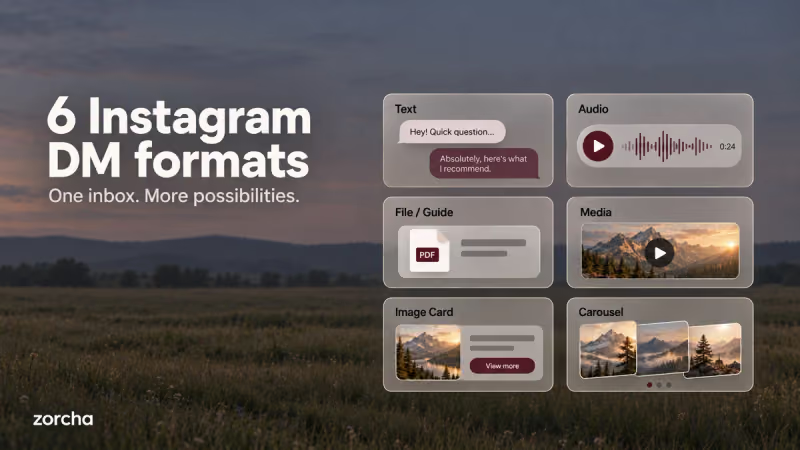
6 DM Formats in Zorcha’s Flow Builder ExplainedFrom plain text to card carousels, a complete breakdown of all 6 DM formats in Zorcha’s Send a DM step, what each one looks like, and when to use it.
Read more about 6 DM Formats in Zorcha’s Flow Builder Explained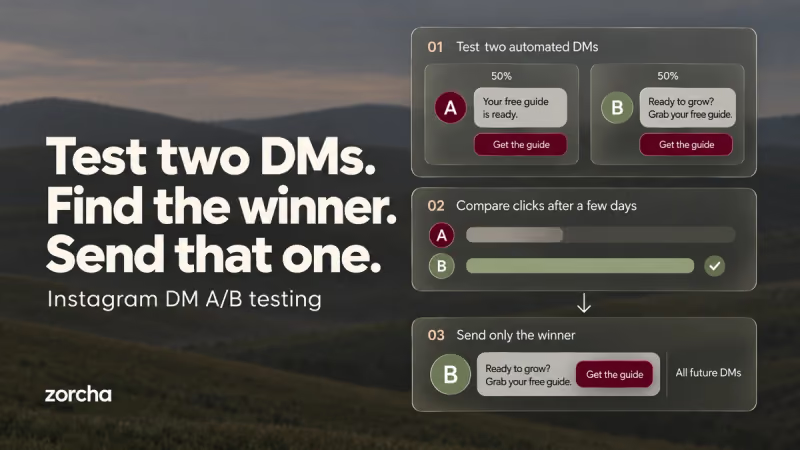
How to Build Timed and A/B Tested Instagram DM FlowsLearn how Smart Delay and Randomize in Zorcha optimize DM flows with timed follow-ups, A/B testing, and data-driven automation that boosts engagement.
Read more about How to Build Timed and A/B Tested Instagram DM Flows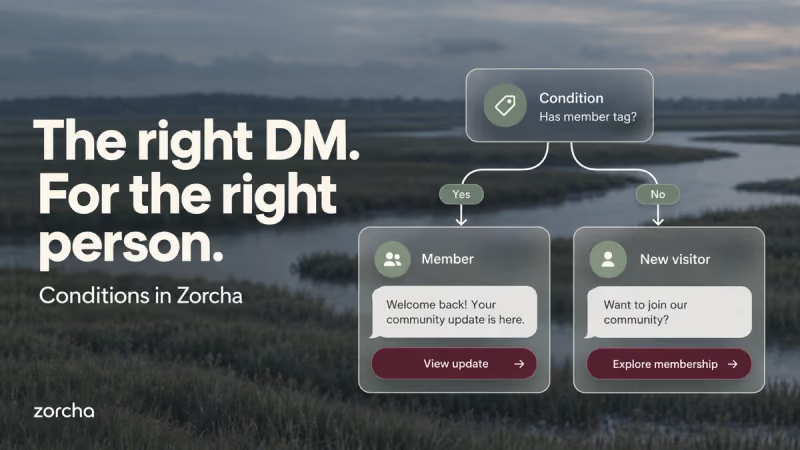
Zorcha Flow Builder: How to Use the Condition StepThe Condition step in Zorcha's Flow Builder splits your flow into Yes and No paths based on tags, followers, or engagement. Here's a complete guide to using it.
Read more about Zorcha Flow Builder: How to Use the Condition Step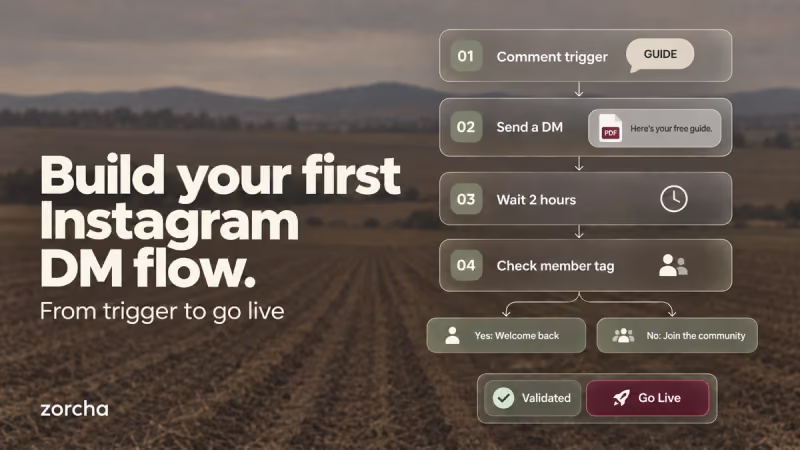
How to Build a Flow in Zorcha | Step-by-Step GuideA complete step-by-step walkthrough of building an Instagram DM automation flow in Zorcha, triggers, steps, logic nodes, and going live on the canvas.
Read more about How to Build a Flow in Zorcha | Step-by-Step Guide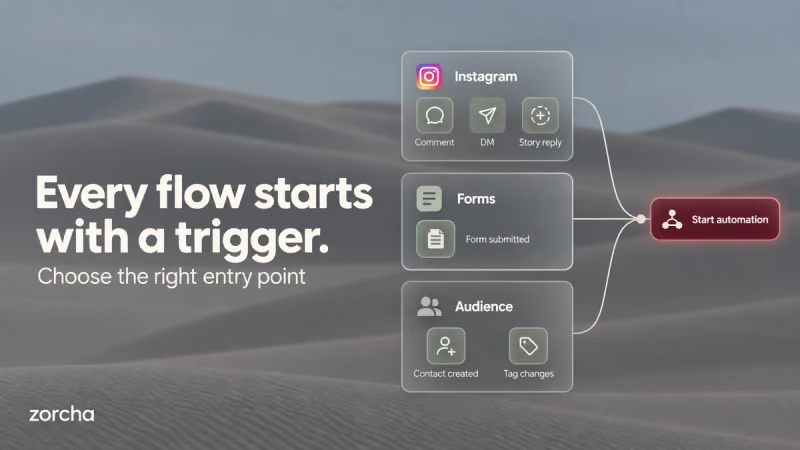
Zorcha Flow Builder Triggers: Complete GuideFrom comment triggers to audience tags, a complete guide to all trigger types in Zorcha's Custom Flow Builder, with setup steps and real use cases for each.
Read more about Zorcha Flow Builder Triggers: Complete Guide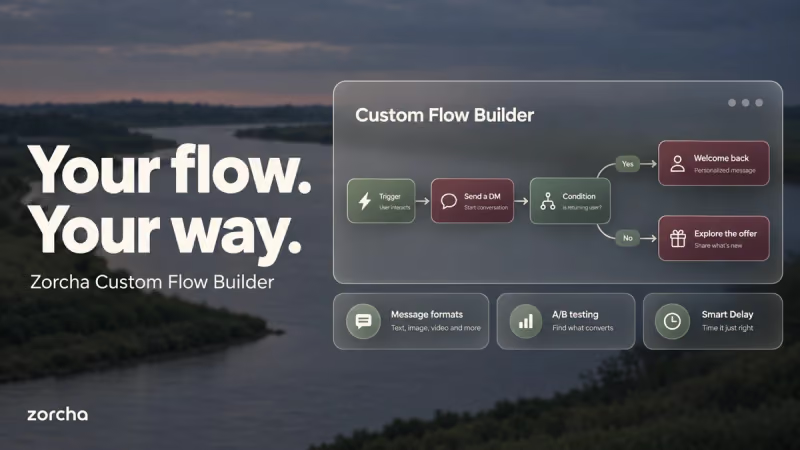
Zorcha Flow Builder Triggers: Complete GuideFrom comment triggers to audience tags, a complete guide to all 7 trigger types in Zorcha's Custom Flow Builder, how each one is set up, and when to use each.
Read more about Zorcha Flow Builder Triggers: Complete Guide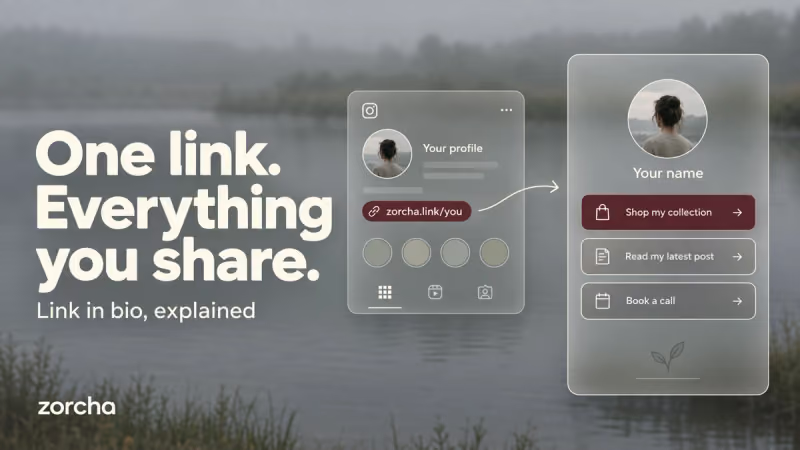
What Is a Link in Bio? How It Works and How to Set It UpA link in bio holds all your important links in one place. Here's what it is, how it works, and how to set yours up on Zorcha in minutes.
Read more about What Is a Link in Bio? How It Works and How to Set It UpZorcha Flow Builder Triggers: Complete GuideFrom comment triggers to audience tags, a complete guide to all 7 trigger types in Zorcha's Custom Flow Builder, how each one is set up, and when to use each.
Read more about Zorcha Flow Builder Triggers: Complete GuideFAQ