

Instant replies to Instagram comments with DMs
Stop losing high-intent engagement. Automatically send DMs when users comment on your posts.
Start for free jennifer__
Comments

Link plzz
jennifer__👀 Caught your eye?
Want details on this dress — price, size chart, and styling tips?

Conversations, triggered by comments
Everything you need to turn Instagram comments into instant, meaningful conversations, automatically.
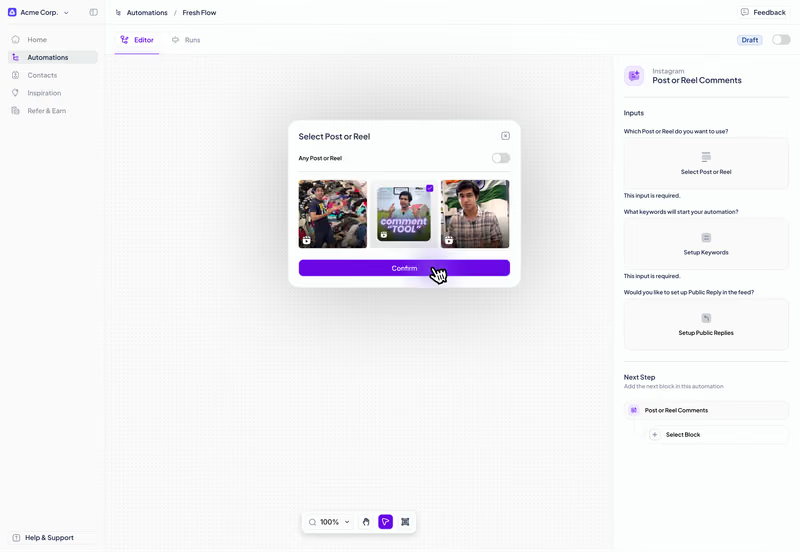
Turn every comment into an instant DM
Automatically send DMs when someone comments on your post. Reach them right when interest is highest.
Ask users to follow before they get the DM
Ask users to follow you before they get the DM. Build your following with every automation you run.
Automated follow-ups
If users don't open or click the DM, reminder messages go out automatically within the first 24 hours.
Zorcha gives you control over every part of the automation.
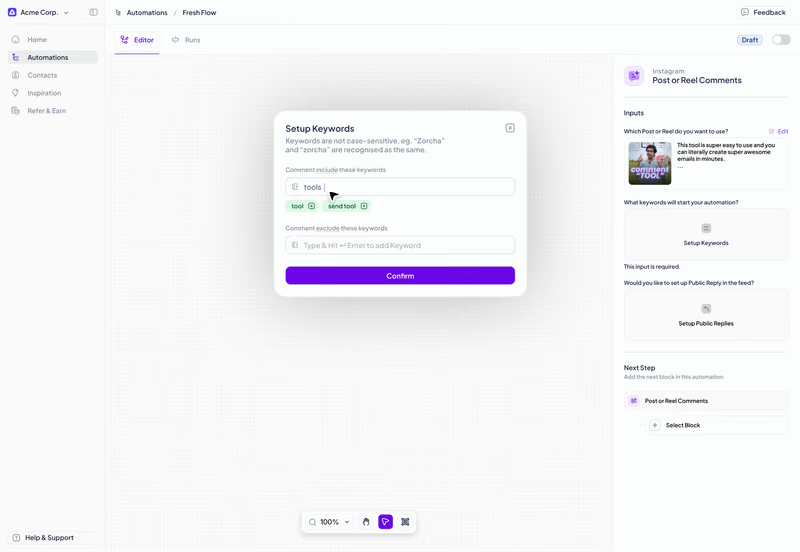
Set your trigger across any post, reel, or keyword
Pick a keyword or let any comment trigger the automation. Choose a specific post, your next post, or all your content.
Set your trigger across any post, reel, or keyword
Pick a keyword or let any comment trigger the automation. Choose a specific post, your next post, or all your content.
Any keyword or any comment
Automation for the upcoming reel
Case-insensitive keywords
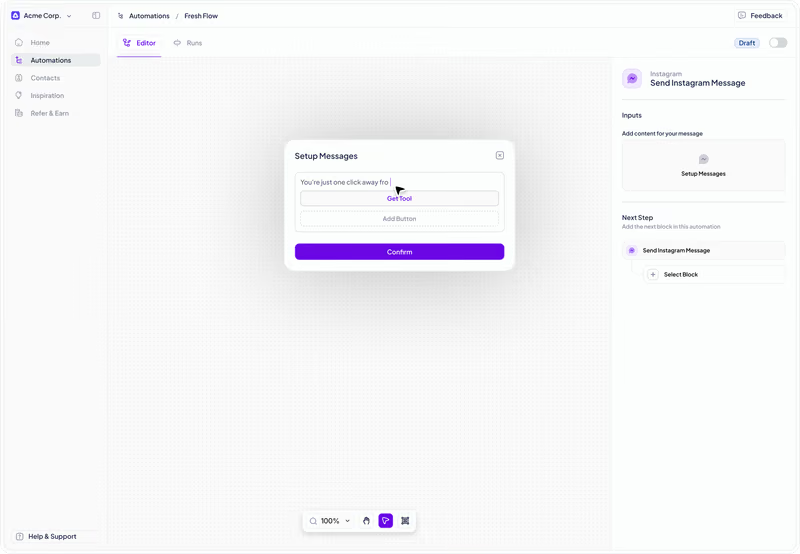
Add links, images, and variations in DMs
Add a link, attach an image, and write a custom opening message. Every DM goes out exactly as you set it up.
Add links, images, and variations in DMs
Add a link, attach an image, and write a custom opening message. Every DM goes out exactly as you set it up.
Multiple links per DM
Add an image in the message
Set up multiple DM variations
Post automatic replies on comments
Post automatic replies under comments. Add multiple reply variants & set a limit on how often they appear.
Post automatic replies on comments
Post automatic replies under comments. Add multiple reply variants & set a limit on how often they appear.
Multiple reply variants
Control reply frequency
Customise reply text

The internet economy
conference
Join us at Sessions29–30 April
2026
Gurugram,
Haryana

29–30 April
2026
Gurugram,
Haryana
See the latest from Zorcha
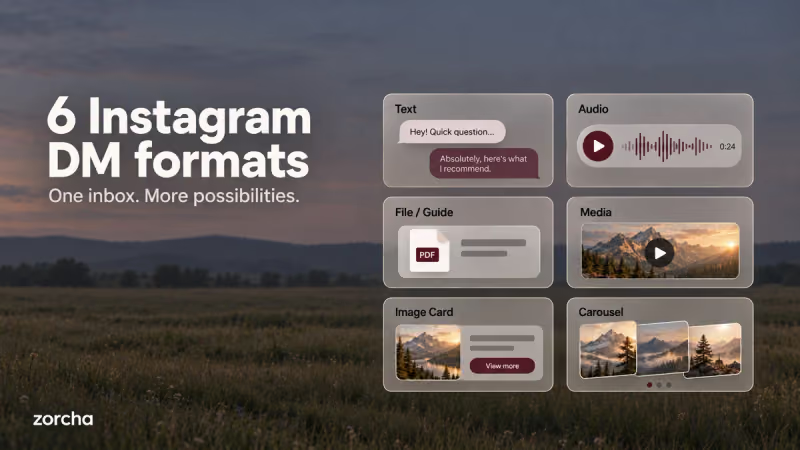
6 DM Formats in Zorcha’s Flow Builder ExplainedFrom plain text to card carousels, a complete breakdown of all 6 DM formats in Zorcha’s Send a DM step, what each one looks like, and when to use it.
Read more about 6 DM Formats in Zorcha’s Flow Builder Explained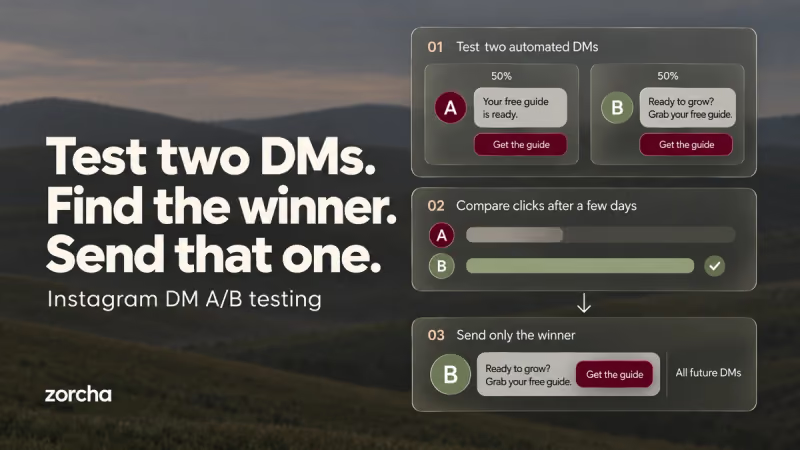
How to Build Timed and A/B Tested Instagram DM FlowsLearn how Smart Delay and Randomize in Zorcha optimize DM flows with timed follow-ups, A/B testing, and data-driven automation that boosts engagement.
Read more about How to Build Timed and A/B Tested Instagram DM Flows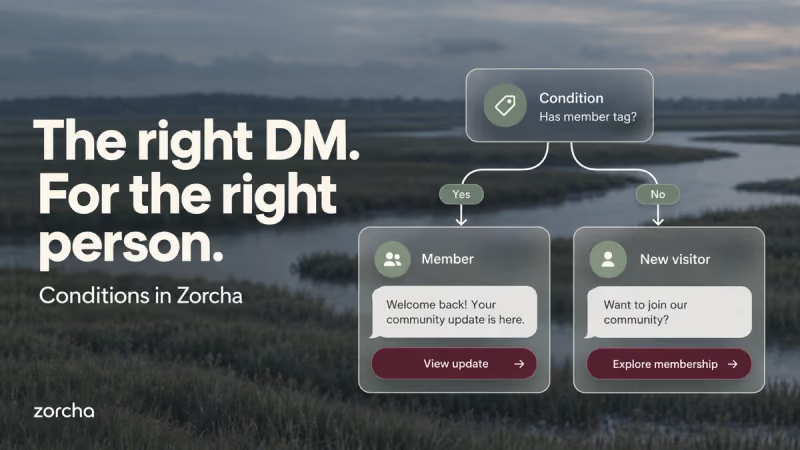
Zorcha Flow Builder: How to Use the Condition StepThe Condition step in Zorcha's Flow Builder splits your flow into Yes and No paths based on tags, followers, or engagement. Here's a complete guide to using it.
Read more about Zorcha Flow Builder: How to Use the Condition Step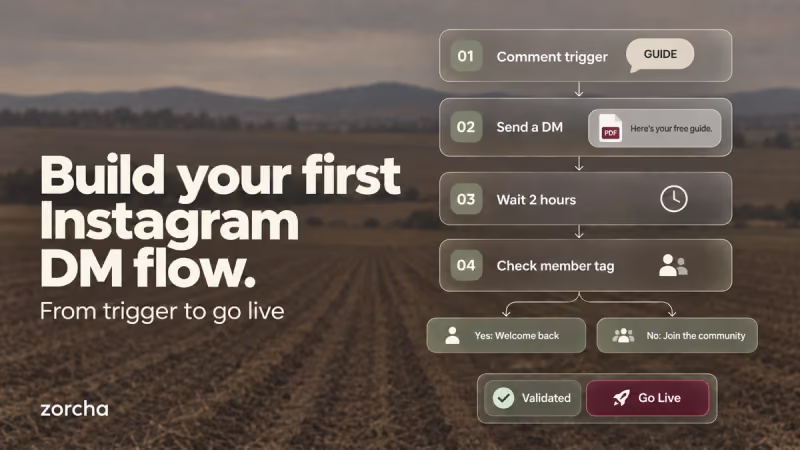
How to Build a Flow in Zorcha | Step-by-Step GuideA complete step-by-step walkthrough of building an Instagram DM automation flow in Zorcha, triggers, steps, logic nodes, and going live on the canvas.
Read more about How to Build a Flow in Zorcha | Step-by-Step Guide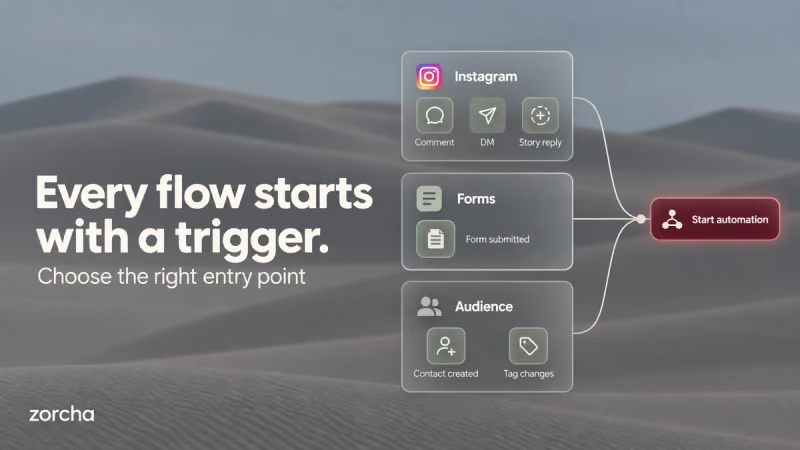
Zorcha Flow Builder Triggers: Complete GuideFrom comment triggers to audience tags, a complete guide to all trigger types in Zorcha's Custom Flow Builder, with setup steps and real use cases for each.
Read more about Zorcha Flow Builder Triggers: Complete Guide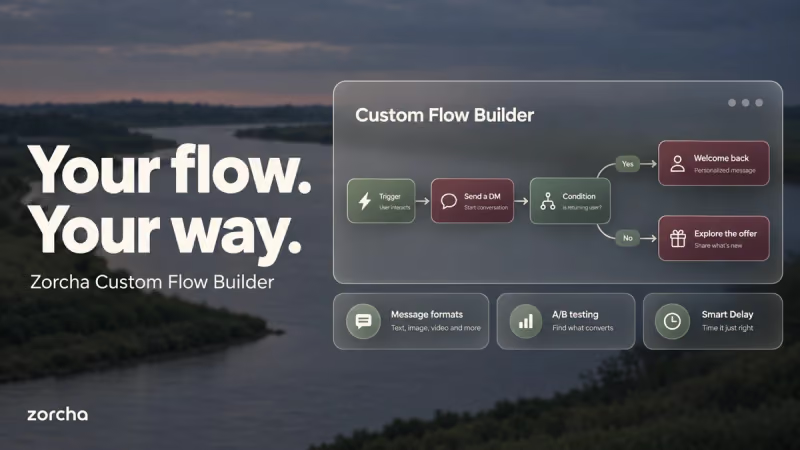
Zorcha Flow Builder Triggers: Complete GuideFrom comment triggers to audience tags, a complete guide to all 7 trigger types in Zorcha's Custom Flow Builder, how each one is set up, and when to use each.
Read more about Zorcha Flow Builder Triggers: Complete Guide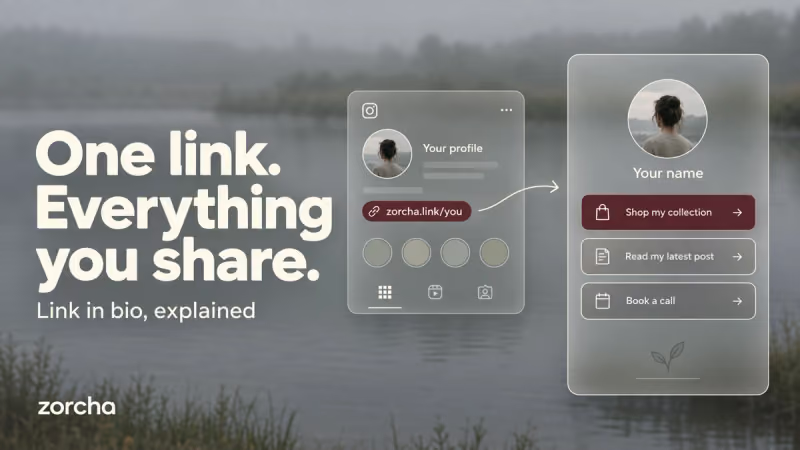
What Is a Link in Bio? How It Works and How to Set It UpA link in bio holds all your important links in one place. Here's what it is, how it works, and how to set yours up on Zorcha in minutes.
Read more about What Is a Link in Bio? How It Works and How to Set It UpZorcha Flow Builder Triggers: Complete GuideFrom comment triggers to audience tags, a complete guide to all 7 trigger types in Zorcha's Custom Flow Builder, how each one is set up, and when to use each.
Read more about Zorcha Flow Builder Triggers: Complete GuideFAQ