Instagram Click-to-DM Ads: A Practical Guide to Better Conversations
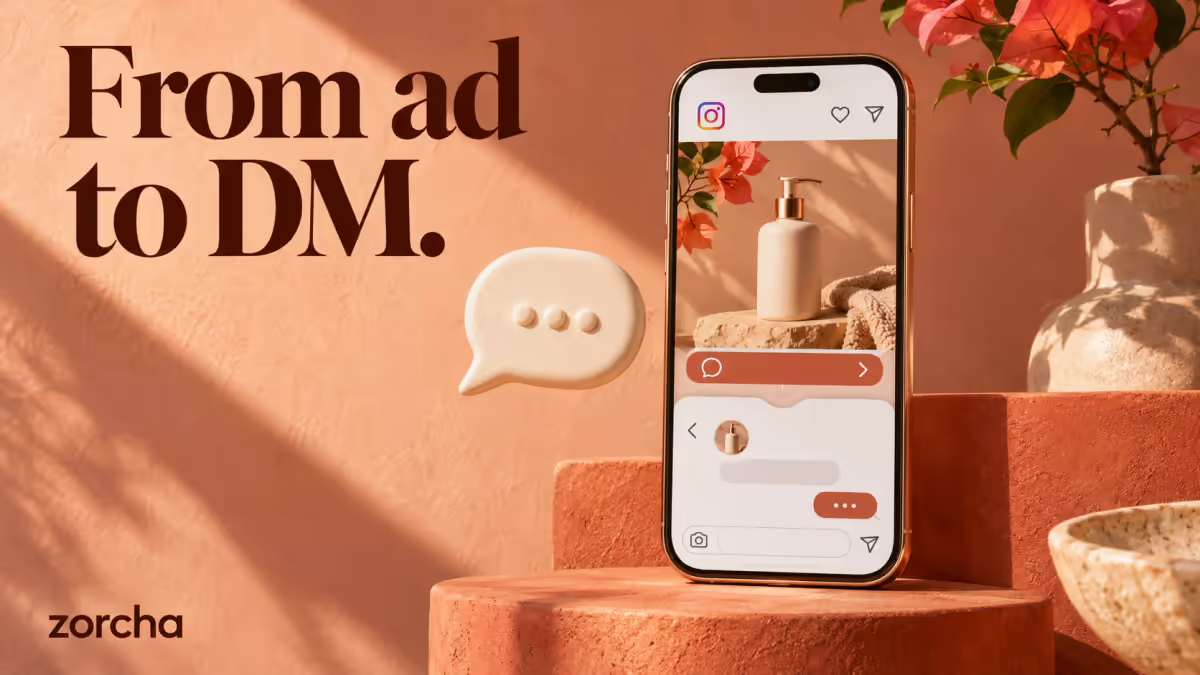
Instagram click-to-DM ads send an interested person into Instagram Direct to start a conversation with your business. They are useful when the next step is a question: “Which size fits?”, “Is my date available?” or “Which course should I choose?” A strong campaign connects that question to a useful answer and a clear next action.
This guide explains the ad destination, the conversation you need to prepare, and how to judge results. Meta calls the format “ads that click to Instagram Direct”; “click-to-DM” is the shorthand. Meta’s Blueprint workshop covers this specific advertising format.
How Instagram click-to-DM ads work
The basic journey is ad impression → tap on the message CTA → Instagram Direct opens → the person sends a message or uses a conversation starter → your business responds. Opening the chat and actually sending a message are separate steps. Treating every ad click as a lead hides where people drop out.
The destination is distinct from the creative. An Instagram video can promote a website, a form, or a conversation. Similarly, “engagement” describes a campaign objective, not a guarantee that the ad is configured to produce messages. Meta’s campaign reference distinguishes destinations and optimization goals, including Instagram Direct and replies.
Do not confuse click-to-DM with comment-to-DM. The first asks someone to open a conversation; the second responds to a comment on a post or ad. Write your creative for the entry point you actually configured. “Tap Send Message” and “Comment GUIDE” are different instructions.
When a conversation is the right next step
Start with the buying decision. A wedding photographer may need a date and location before discussing availability. A clothing seller may need a fit preference before suggesting a product. A course creator may need to know whether the person is a beginner. In each case, the conversation can remove a real obstacle.
A DM is less useful when someone already knows exactly what to buy and can complete checkout quickly. It also adds friction if your team cannot answer accurately, your automation cannot handle common questions, or your ad promises an immediate answer that nobody can provide.
Before spending, write down the one decision your first reply should help the person make. If the answer is only “visit our homepage,” test a direct website journey too. Our comparison of messaging, lead-form, and website ads explains how to choose.
Prepare these five things before launch
- A connected Instagram professional account and access to the advertising assets you will use. Check permissions through your chosen Meta connection flow.
- One specific offer with current prices, availability, exclusions, and a working destination for the next step.
- A first reply that delivers what the ad promised, followed by one useful question.
- A clear fallback for questions the automation cannot answer and a person responsible for responding.
- A measurement plan that separates messages, qualified inquiries, bookings, and paid orders.
An example for a workshop: the ad offers help choosing a session. The opening message gives the two available dates, then asks which topic the person wants to learn. Asking for a phone number before showing the dates reverses the value exchange.
Configure the campaign around the destination
Use Ads Manager to create the campaign and choose an available objective and messaging configuration suited to your goal. Check that Instagram Direct is the selected destination, the correct Instagram identity is attached, and the performance goal matches the result you want. Labels and eligible combinations can vary by account and rollout; the destination and preview are more reliable than an old screenshot tutorial.
At the ad level, make the promise specific. “Message us for help choosing your size” tells a shopper what happens next. “Learn more” paired with an unexplained bot menu does not. Prepare the greeting and conversation starters, then connect the intended partner flow if you are using an automation provider.
Preview the whole experience on a phone. Test as a person outside the business team where possible: tap the CTA, send the first message, follow each response option, and open the final link. A preview that only displays the ad cannot prove that the conversation works.
Design a first reply people can answer
Use three elements: acknowledge the ad’s promise, give useful information, and ask one small question. For example: “Here are the workshop dates: 12 and 19 December. Are you looking for the beginner session or the advanced session?” These dates are illustrative; substitute your actual availability.
Avoid a long welcome paragraph followed by five questions. If you need a contact detail, explain what it will be used for. If someone asks a question outside the scripted options, give them a way to continue with a person. Review our click-to-DM ad examples for complete ad-to-reply sequences.
Understand the messaging window
Meta’s messaging policy says most user actions open a 24-hour standard window; the first message after a Click-to-Direct or Click-to-Messenger ad may open up to seven days. Confirm eligibility and your provider’s implementation before scheduling follow-ups. This is not permission to repeatedly message everyone who viewed or clicked an ad.
Measure the conversation, then the outcome
Track spend, actual conversations, qualified inquiries, and the business result. Define a qualified inquiry before launch: for example, a supported location plus a realistic event date. Keep that definition stable when comparing campaigns.
A campaign with cheaper conversations can still have more expensive customers. Calculate cost per qualified lead and cost per acquired customer alongside cost per conversation. Count purchases from your payment or order system, and explain how you attribute them. Our cost and measurement guide includes a worked example.
Frequently asked questions
Do click-to-DM ads automatically message everyone who sees them?
No. Design for a person choosing to engage and starting the conversation. An impression is not a request for a DM, and a click is not the same as a qualified lead.
Do I need a website?
You can begin a conversation without sending someone to a website. You still need a reliable way to complete the next step, such as a booking page, payment link, or a team member who can help.
Are click-to-DM ads always better than website ads?
No. They are a candidate when questions stand between interest and action. Test against the alternative using the same business outcome, rather than comparing a conversation with a page visit.
Ready to build the response journey? Explore Zorcha’s click-to-DM automation and the Zorcha funnel guide.