Zorcha

DIGITAL PRODUCTS

Sell your digital products from one link.

Sign in with your email, add a product, share your zorcha.link. Buyers pay with UPI or card and get the file right away.

Example buyer product page for Guest Ebook, with a Buy Now button marked FREE
A buyer’s product page. This example is a free download; you can also choose Paid.

NEW PRODUCT

What you can sell.

Digital Product

Offer a file or collection of files for download

Course

Create a series of lessons, files & quizzes

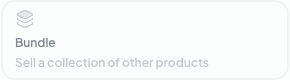
Bundle

Sell a collection of other products

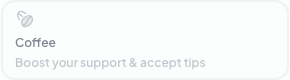
Coffee

Boost your support & accept tips

See the New Product window

Reference capture of the product-type picker. All four product types are available.
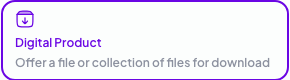
Digital Product: Offer a file or collection of files for download. Reference screenshot.Course: Create a series of lessons, files & quizzes. Reference screenshot.Bundle: Sell a collection of other products. Reference screenshot.Coffee: Boost your support & accept tips. Reference screenshot.

HOW IT WORKS

Your email. Your product.
Your link.

02

Claim your store link
and pick a theme

Choose your zorcha.link address, then Select a theme for your page.

Example address
Select a theme. Pick the style that feels right — you can change this later.Landscape photograph from an existing theme preview
A close-up of the theme selection screen.
03

Create and publish your product

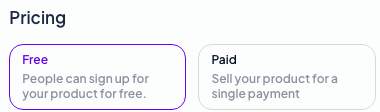
Add Media and Details. Under Pricing, choose Free or Paid. Add the files buyers will receive, then select Publish.
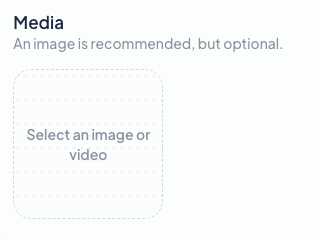
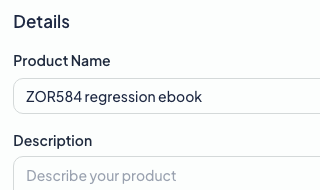
Media: select an image or video
Media
Details with Product Name and Description fields
Details
Pricing controls with Free and Paid options
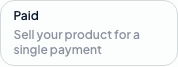
Free: People can sign up for your product for freePaid: Sell your product for a single payment
Preview and Publish controls
Pricing, then Publish
04

Share your link and get paid

Share your product’s zorcha.link. Buyers complete checkout with Get for free for free products, or UPI or card for paid products. After checkout, they see THANK YOU and Download.

Example free-product checkout asking for buyer details, with a Get for free button
Checkout · free-product example
THANK YOU confirmation with a Download button for the purchased file
File delivery after checkout

PAYOUTS · INDIA · INR

Get paid.

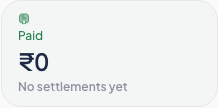
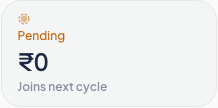
Add your bank account or UPI under Payouts. Track Paid and Pending in one place.
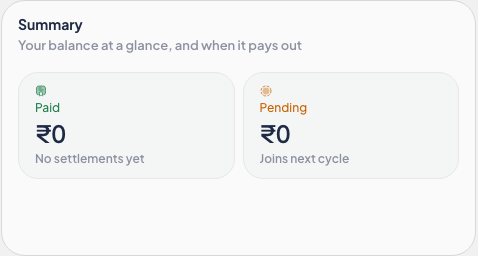
Payouts Summary with Paid and Pending balances in INR
Paid balance in INR: no settlements yetPending balance in INR: joins next cycle
Payout Method section
Example account before receiving payouts.

LINK IN BIO

One link for your store
and your Link in Bio.

Your store link doubles as your Link in Bio. Pick the platforms you’re on and go.

A selection of platform options in the Link in Bio setup picker
Selected options from the platform picker.

Frequently asked questions

  • No. You only need an email address to sign in and start setting up your product.
  • Open Products to see each product’s price and Buyers. Open Payouts to track Paid and Pending amounts.
  • Yes. Buyers in India can pay for paid products with UPI or card. Set up your payout details before taking payments.

START WITH YOUR EMAIL

Sell your digital products
from one link.